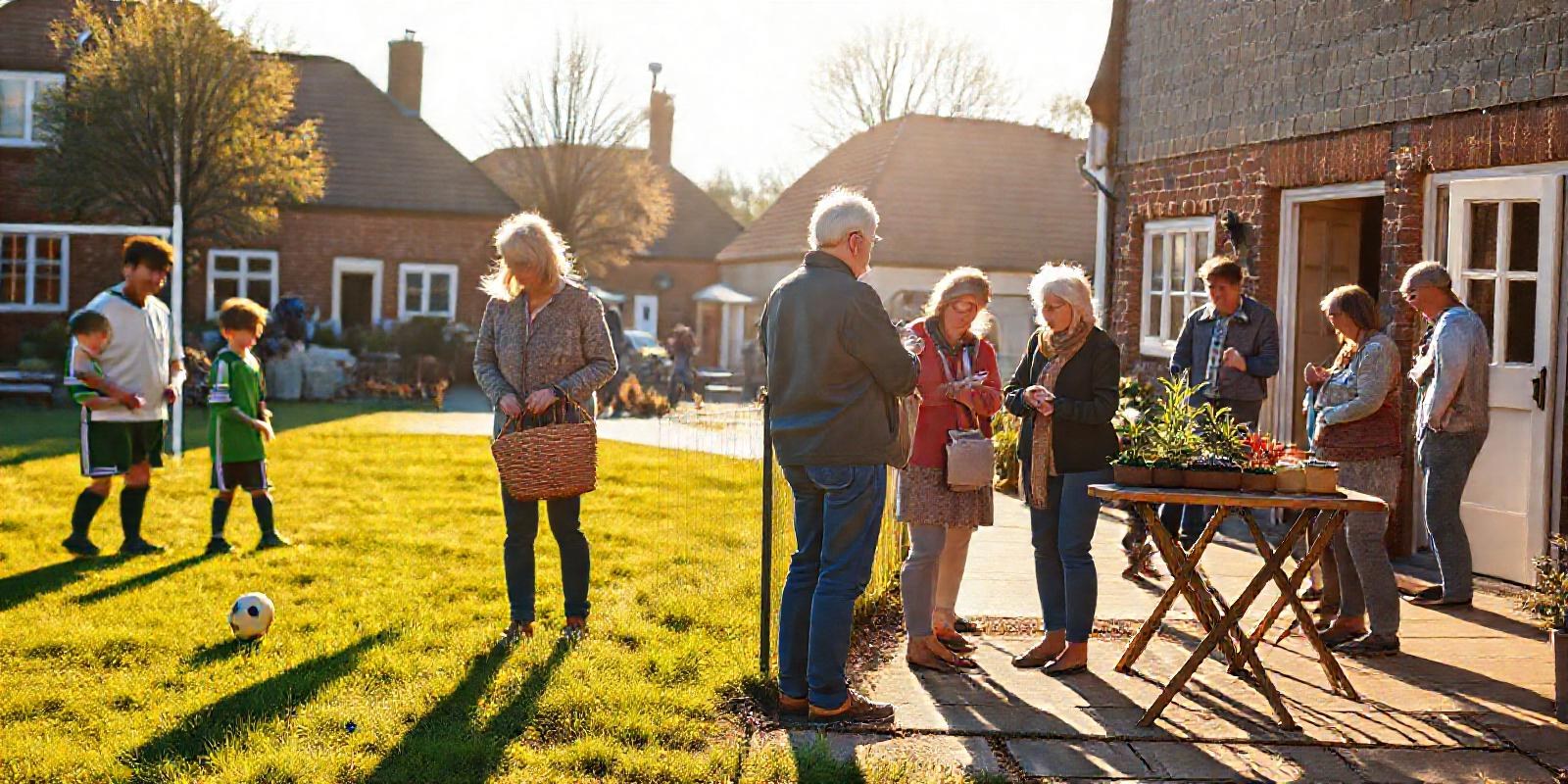
VTC for Clubs and Local Communities: One Home for Every Team, Street and Group
Hobby clubs, sports clubs, residents' associations and faith communities, each with Spaces of its own in one network, so news stays findable, newcomers find their way in and the work gets shared.
Mark Vernon · VTC · 11/13/2026
Walk into almost any library, village hall or clubhouse and you'll find a corkboard that tells you everything about the place. A flyer for the photography society's dawn walk, pinned over last month's. The under-11s training times, crossed out and rewritten in biro. A residents' meeting notice. A choir looking for tenors. A hand-drawn poster for a seed swap, its tear-off phone numbers half gone.
Those boards show how busy and generous local life is. They also show the problem. Each of those groups now runs most of its life in a separate group chat, and the people who keep it going are often the same handful of neighbours. Picture someone (an illustration, though you'll know her) who looks after the allotment society's swap table, takes her turn on the coffee rota after Sunday service, and has a son in the under-11s. That's three chats, three sets of half-remembered dates and one very full phone.
VTC started in 1996 as a training company, and thirty years of watching people learn taught me that groups do better when they have a place of their own to gather. Clubs and local communities prove it every weekend. This page brings together what we've learned about hobby clubs, sports clubs, neighbourhoods and faith communities on VTC, and the small habits that make any of it stick.
What VTC and a Space are, in plain words
VTC lets you create your own social network, public or private, under your group's name. Public suits a club that wants anyone curious to wander in; private, invite-only, suits a congregation, a junior section or a committee. Every network comes with members, a feed, chat and Spaces built in, and you add apps from a catalog of more than 750. If nothing in the catalog fits, you describe what you need in plain words and AI builds the app, with no coding.
A Space is a smaller group inside your network with its own members, its own feed and its own apps. In fact a network is just a Space that can hold other Spaces. So the network is your club or community as a whole, and each Space is one team, street, interest or ministry. People only see the Spaces they've joined, so the veterans' social doesn't buzz the phones of under-8s parents.
A network also has two sides. Logged-in members get the feed, the Spaces, chat and the apps. The public side is what everyone else sees: a custom website built from one of 20 templates or designed in the Websites app, a classifieds site, or a VTC marketing page with your own key text. For local groups that public side matters, because it's how a newcomer who searches for your street or your sport finds out you exist.
One more detail helps the volunteer in my illustration: a VTC account is a single login she can carry into every network she joins.
Hobby and makers' clubs: give the work a memory
A hobby club makes things: prints, harvests, quilts, repaired radios, reading lists. In a group chat, all of it slides out of sight within a day, and the new member who joins in March can't see a single thing that happened before.
On a network, a post with a photo stays findable, can be commented on and can be pinned. Shape the Spaces around what people actually love. A photography society might run Landscape, Street and Film and darkroom. A community garden might use Vegetables, Orchard and Composting, and a makers' space Woodwork, Electronics and Textiles. Add a Beginners Space where nobody feels silly asking, and a small Organisers Space for the committee.
The apps that earn their place in a hobby club:
Marketplace, so the spare lens, the surplus courgettes and the box of knitting needles don't clutter the conversation.
Directory, so members can find who knows about lathes, bees or night photography.
Files, for the guides your experts keep writing, like a planting calendar or settings for shooting the stars.
Polls, for the eternal arguments: next month's book, or where to hold the summer show.
Events, for walks, open garden days and repair cafés.
Open two or three Spaces, not fifteen. When someone writes a brilliant answer, ask if it can go into Files for the next beginner. Agree simple rules for swaps and for photos of other members, and keep a gentle rhythm, like a monthly challenge, that gives quieter people a reason to post. If you need a seed-swap tracker or a tool-lending log, that's a perfect first job for the AI app builder.
Sports clubs: teams, fixtures and parents
A grassroots sports club is really a dozen small organisations sharing a pitch, each team with its own coach, training night and parents, while the committee tries to keep subs, kit and fixtures straight.
Give every team a Space, from the under-8s to the veterans, plus one for the committee and one for match-day volunteers. When the under-12s' away game moves, the message goes to the under-12s and nobody else. Add Events for fixtures, tournaments and presentation night, Calendar for training, Attendance so the coach knows who came without a soggy clipboard, and Files for the code of conduct, consent forms and kit order sheet. The catalog's Clubs app helps organise the activities that sit around the teams.
Invites are where sports clubs feel the difference. An invite adds someone only to the Space it comes from, so a new parent joins their child's team without seeing the committee's budget talk. Invite links can expire after 24 hours, after 7 days or never; a seven-day link shared at the September welcome evening lets families join that week and then closes on its own. Name roles the way the club speaks, such as Head Coach, Team Manager, Welfare Officer and Parent. When a coach steps down at the end of the season, the team's history stays in its Space instead of leaving on their phone.
Two cautions. If you run junior teams, follow your sport's safeguarding guidance and keep each Space to the people who need to be there. And keep a fallback, like a text or the clubhouse noticeboard, for anyone who isn't online yet. The tea-hut sign-up and kit-washing rota can come from the AI app builder.
Residents' associations and neighbourhoods
A neighbourhood group has the hardest job of all: everyone is a member whether they know it or not. Most new residents only discover the association when a flyer for the AGM comes through the door two years after they moved in.
Give the network the same shape as the streets. A Space for each street or building lets one block talk about its lift, its parking or its shared garden without flooding everyone else. Committees, like the events team, the green spaces group or the people who look after the community hall, get their own Spaces too. Then keep one neighbourhood-wide Space strictly for news that affects everyone, like a road closure, a council consultation or a scam doing the rounds, so those notices aren't buried under lost-cat posts.
Marketplace handles the outgrown bikes and the sofa that needs a new home. Files holds the minutes, the constitution and the list of local services people keep asking for. Projects or Kanban show who's writing the fundraising letter and who's chasing the council. A tool-lending library or a rota for watering the communal planters can come from the AI app builder.
This is where the public side earns its keep. A simple website saying who you are and how to join means newcomers can find you, and a welcome card through the letterbox with an invite link to their street's Space is a lovely hello. Keep the noticeboard by the shop too, for neighbours who won't come online.
Faith communities: groups, rotas and careful pastoral care
Whether it's a church, mosque, temple or synagogue, what happens between gatherings often decides whether someone feels they belong or just recognises a few faces. And under one roof there are usually many smaller communities: the choir, the youth group, the study circle, the food bank team, a language group and the faithful few who put the chairs out every week.
Start with a private network and a welcome Space for newcomers, with gathering times, what to expect and the name of a real person to talk to. Because invites only add people to one Space, a newcomer can settle in there and join groups when they're ready rather than being dropped into everything. Give each active group its own Space, and use roles named for your tradition, such as Youth Leader, Welcome Team or Rota Coordinator, so the people already leading each group can run it without waiting on one busy person. Events and Calendar carry festivals, classes and the shared meal after next week's service, and Files keeps rota guidelines and permission forms beside the conversation about them.
Pastoral care needs more thought than any feature. A prayer request may carry news of an illness or a loss, so give a small pastoral care team its own private Space and share a request more widely only when the person asks you to. Say plainly that the network isn't watched every minute, and that urgent needs still deserve a phone call or a knock on the door. If you build a volunteer rota with AI, keep personal details to what the coordinators need, and name one person to keep it current. Keep the printed notices and the phone tree too. A network should add ways to stay close, never become a measure of anyone's commitment.
Events people can actually find
Every group on this page runs events: the photo walk, the presentation night, the street party, the festival meal. The pattern that works is the same everywhere. Put two or three dates to a Poll instead of a long thread, give a bigger event its own Space for the people doing the work, post the details in Events so they sit beside everything else, and invite outside helpers, like a guest speaker, into that Space alone. Afterwards, gather photos in one feed and thank volunteers by name. The full walkthrough is in Plan Your Next Event Where Your Community Already Lives.
Sharing the work so nobody burns out
Local groups rarely die from lack of interest. They die when the one person holding everything moves house or simply gets tired. On VTC every role is either admin-type, for people who help run things, or member-type, for people taking part, with the Owner as super admin. Each Space can have its own admins, so the street rep looks after the street and the coach looks after the team while you keep the keys to the whole network. Descriptive roles, like Beginner, Mentor or Volunteer, can be self-assignable, so people sort themselves and find each other. The details, with a setup you can copy, are in Share the Work of Running Your Community.
What it costs
Clubs and associations run on subs, raffles and goodwill, so per-member pricing hurts them most. VTC has no per-member fees, creating a network and Spaces is free, and apps bill only while they run. How credits work after that is explained in Per-Member Fees Are Killing Your Community Budget.
How to start: one group, one month
You don't need to move everyone in a weekend. This works for all four kinds of group:
Create your network at vtc.com, public or private, and invite two or three people who'll help shape it.
Make one Space for the group that's keenest or noisiest: the eager coach's team, the busiest street, the youth group, the gardeners.
Add only the apps that group needs this month. Events, Calendar, Files and Polls cover most of it.
Create roles with the names people already use, and invite members with links that expire.
Post a short welcome that says which Space is for what, and agree where official news goes from now on.
Run the old group chat alongside for a few weeks for quick "on my way" messages, then let it quietly retire.
Pick the one spreadsheet or paper sheet that eats somebody's evenings and ask the AI app builder to turn it into an app.
Worried about leaving a big group chat behind? From WhatsApp Chaos to One Organized Network answers the usual doubts. For a step-by-step setup, the 15-minute launch guide uses a small business as its example, and a club follows the same steps. Planning your first custom app? Start with How to Describe an App So AI Builds What You Actually Need, then Build the App You Need Without Writing Code.
The corkboard by the library door will always have a place, and I hope it stays covered in flyers. But the people behind those flyers deserve somewhere that remembers what they've done, tells newcomers where to go and shares the work around. When you're ready, create your club or community's network on VTC and invite the first group in.